 7963215fa2
The commands were probably meant to be the other way around.

And I also think there is something missing in the sentence "and then run
`pip install --user solaar` or `pipx install --system-site-packages solaar` or
If you are using pipx add the `` flag.", but I was not sure.
 Solaar
Solaar is a Linux manager for many Logitech keyboards, mice, and other devices that connect wirelessly to a Unifying, Bolt, Lightspeed or Nano receiver as well as many Logitech devices that connect via a USB cable or Bluetooth. Solaar is not a device driver and responds only to special messages from devices that are otherwise ignored by the Linux input system.
More Information - Usage - Capabilities - Rules - Manual Installation - Known Issues


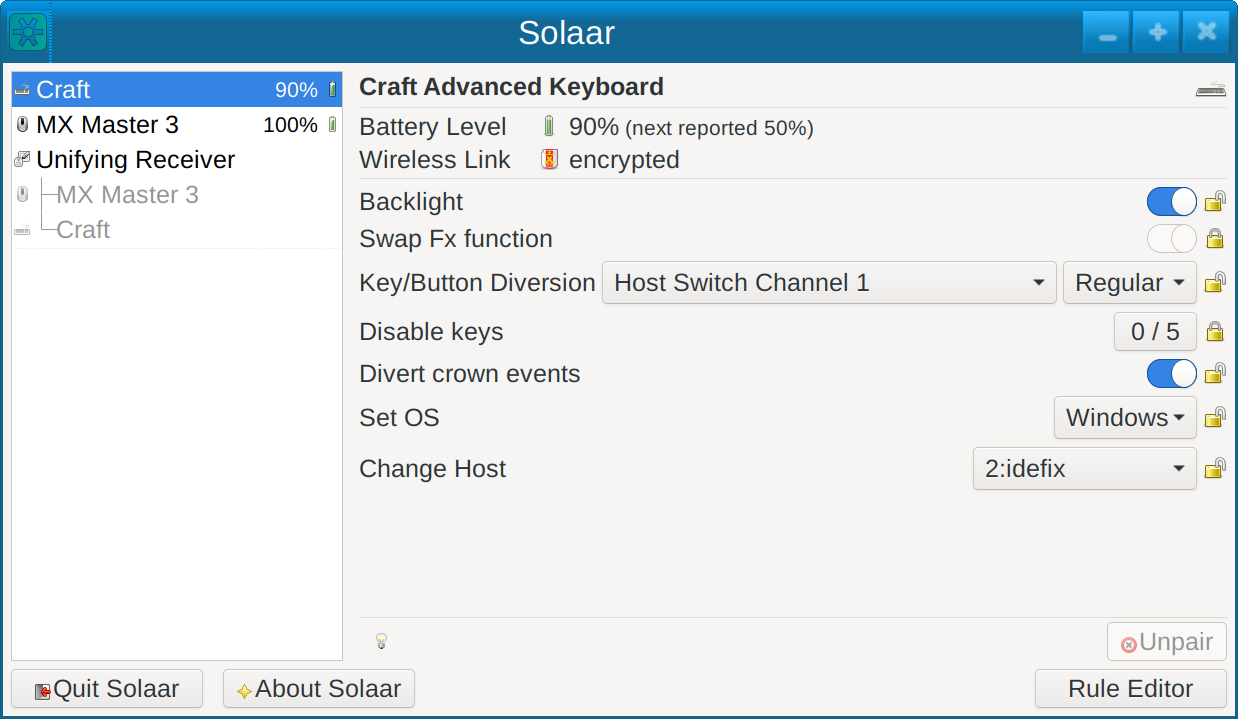
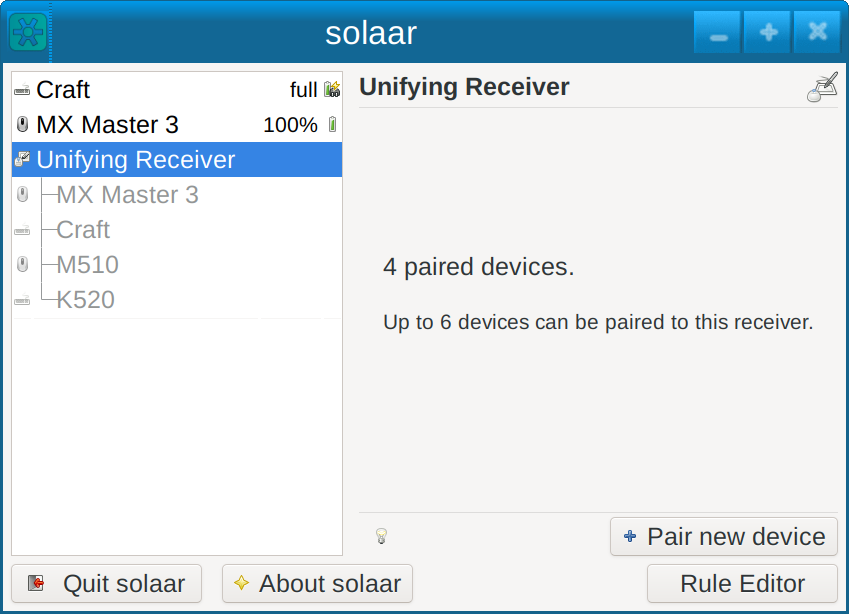
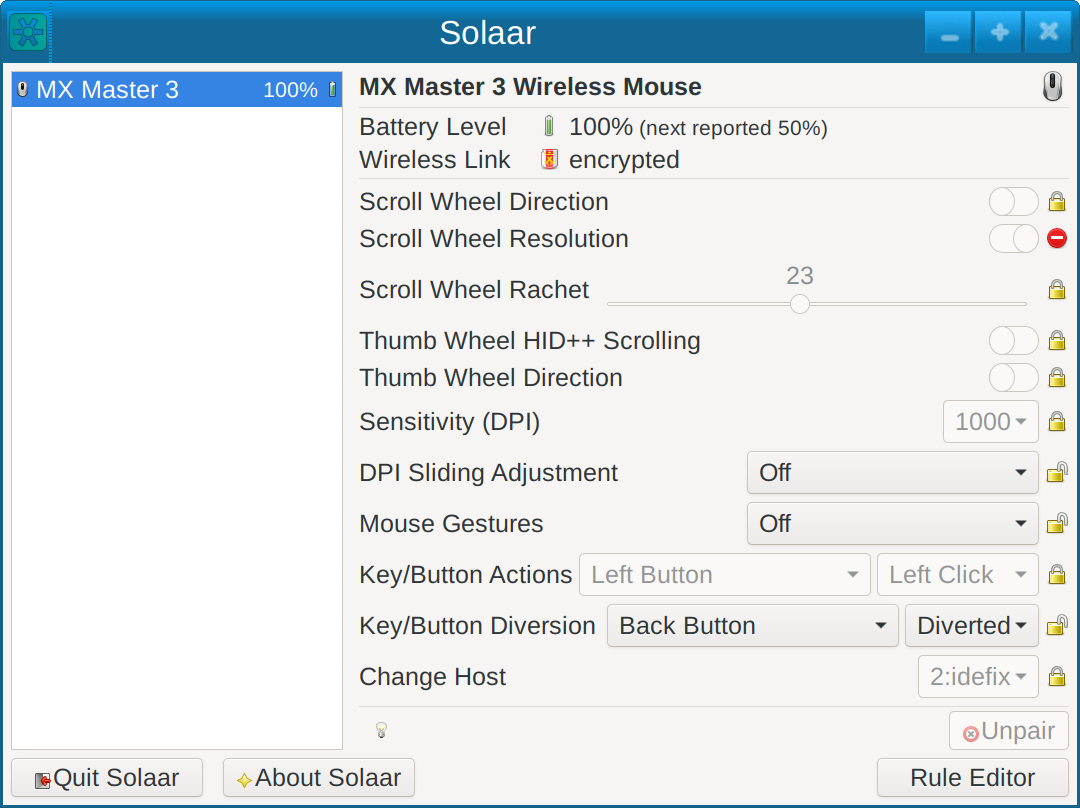
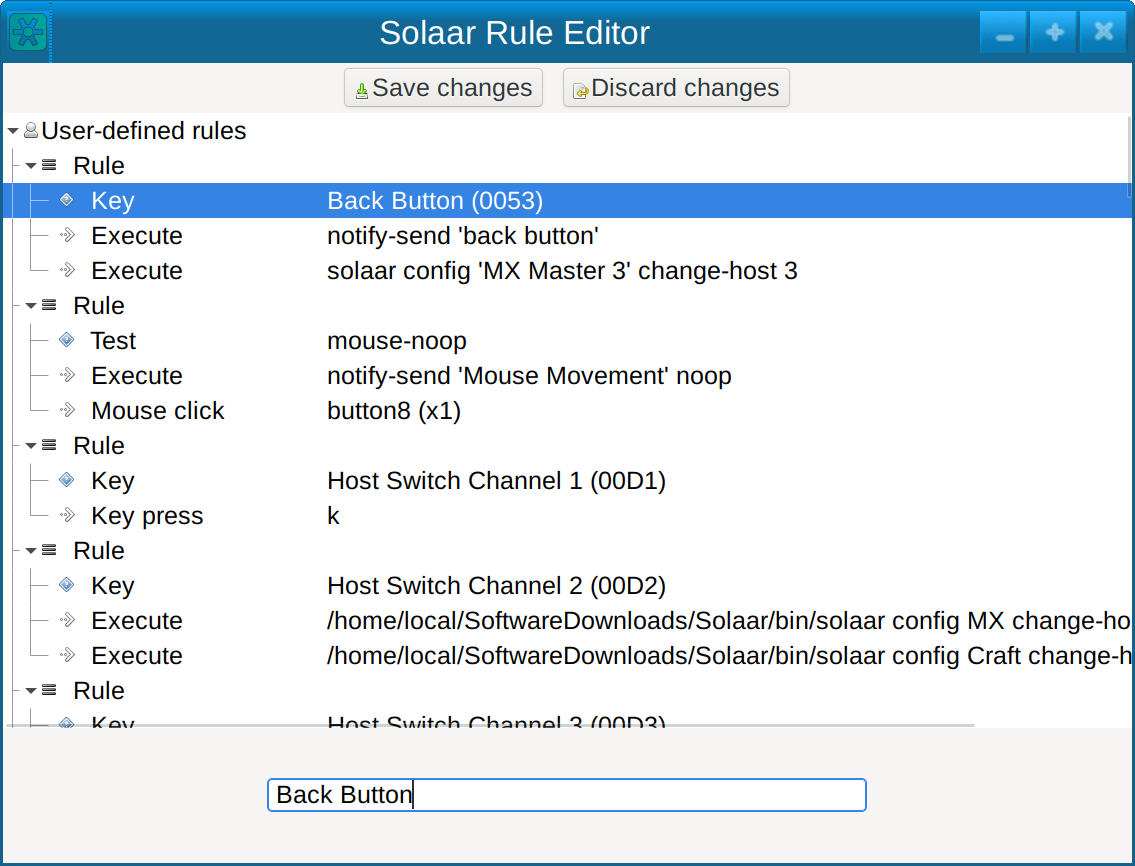
Solaar supports:
- pairing/unpairing of devices with receivers
- configuring device settings
- custom button configuration
- running rules in response to special messages from devices
For more information see the main Solaar documentation page. -
Installation Packages
Up-to-date prebuilt packages are available for some Linux distros (e.g., Fedora) in their standard repositories. If a recent version of Solaar is not available from the standard repositories for your distribution, you can try one of these packages:
- Arch solaar package in the extra repository
- Ubuntu/Kubuntu package in Solaar stable ppa
- NixOS Flake package in Svenum/Solaar-Flake
Solaar is available from some other repositories but may be several versions behind the current version:
- a Debian package, courtesy of Stephen Kitt
- a Ubuntu package is available from universe repository
- a Gentoo package, courtesy of Carlos Silva and Tim Harder
- a Mageia package, courtesy of David Geiger